Keep every
important note
in sight.
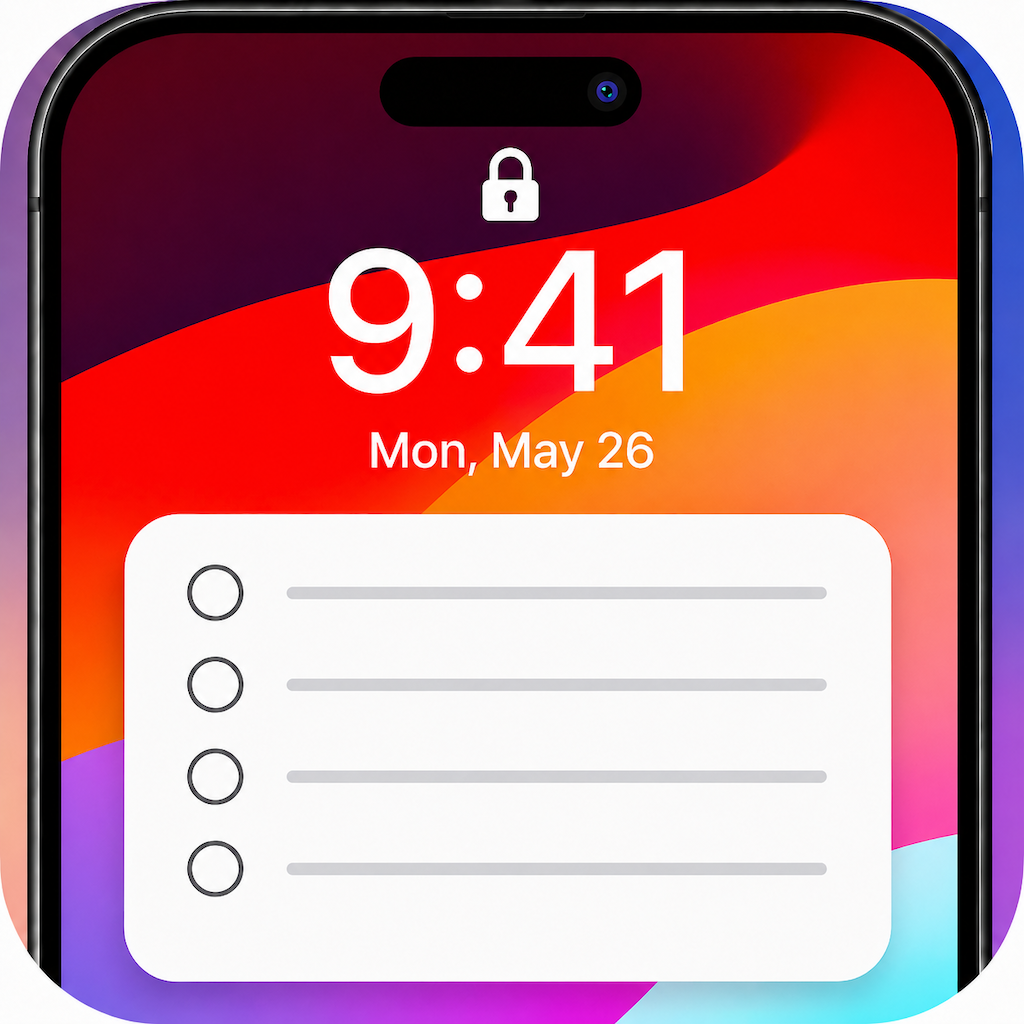
LockNote turns your to-dos into a stunning Lock Screen wallpaper. Write once — glance anytime, without unlocking or opening an app.
Powered by Apple Shortcuts · iOS 16 and later
Today's Tasks
- Reply to emails
- Buy groceries
- Pick up package
- Call Mom
- Meeting at 3:00 PM
Three taps from note to Lock Screen.
No widgets to fiddle with, no jailbreak, no hassle. LockNote uses an Apple Shortcut to paint your note straight onto your wallpaper.
Write your note
Jot tasks, reminders, or anything you want front-and-center. Format with bold, lists, and checkboxes.
Pick a style
Choose a card design, wallpaper, position, and font size until it looks exactly the way you want.
Apply to Lock Screen
Tap once and the Shortcut sets your wallpaper instantly. Your note is there every time you glance down.
Everything you need, nothing you don't.
A focused little app that does one thing beautifully — keeps what matters visible.
Notes on the Lock Screen
See your list the instant you pick up your phone — no unlock, no tapping, no app to open.
Beautiful styles
Sticky note, lined paper, frosted glass, clean white card and more — pick the look that fits your mood.
Rich text formatting
Bold, italic, underline, bullet lists, numbered lists and checkboxes — structure your note your way.
Customize the layout
Position the card top, middle or bottom. Adjust card opacity and font size to keep it readable.
Auto-updates via Shortcuts
Built on Apple Shortcuts, so your Lock Screen refreshes automatically — set it once and forget it.
Note history & export
Past notes are saved so you can reuse them, and you can export everything to JSON anytime.
One note, endless looks.
Swipe through a few of the designs. Three are free; unlock the rest with Pro.
Today's Work Tasks
- Review proposal
- Reply to clients
- Update timeline
Today's Work Tasks
• Reply to clients
• Update timeline
• Stand-up 10:00 AM
Today's Work Tasks
Today's Work Tasks
Today's Work Tasks
Start free. Go Pro when you're ready.
Three styles are free forever. Unlock every design and remove all limits with LockNote Pro.
- 3 built-in styles
- Lock Screen notes via Shortcut
- Rich text formatting
- Note history & JSON export
Keep every important note in sight.
Purchased in-app via the App Store. Monthly and yearly subscriptions renew unless canceled. See Terms of Use (EULA) and Privacy Policy.
Good questions, answered.
LockNote renders your note into an image and uses an Apple Shortcut to set it as your Lock Screen wallpaper. Once you add the shortcut, applying a note takes a single tap.
No. Your note becomes part of the wallpaper itself, so it's visible the moment your screen lights up — no Face ID, no app, no widget tap.
LockNote works on iPhone running iOS 16 or later, which is when the customizable Lock Screen and the required Shortcuts actions became available.
Not yet. LockNote relies on Apple Shortcuts to update the Lock Screen, which is an iOS-only feature, so the app is currently iPhone-only.
Your notes live on your device. LockNote doesn't require an account, and you can export all of your notes to a JSON file at any time from Settings.
Free includes three styles and all the core features. Pro unlocks every premium design, removes note limits, and gives you full customization. Choose monthly ($0.99), yearly ($4.99), or a one-time lifetime purchase ($9.99).
Subscriptions are billed through your Apple ID. You can view, change, or cancel anytime in Settings → your name → Subscriptions on your iPhone. The lifetime option is a one-time purchase with nothing to cancel.
Your to-do list,
right where you'll see it.
Download LockNote and put your most important notes on your Lock Screen today.